iPhone Calendar Events Not Showing in Aria: How to Fix It
Key answer Aria reads events from the calendars connected to your iPhone (iCloud, Google and others) and shows them together with your tasks. If events are missing, check that Aria has Full Access to Calendars and that the event already appears in the built-in Calendar app.
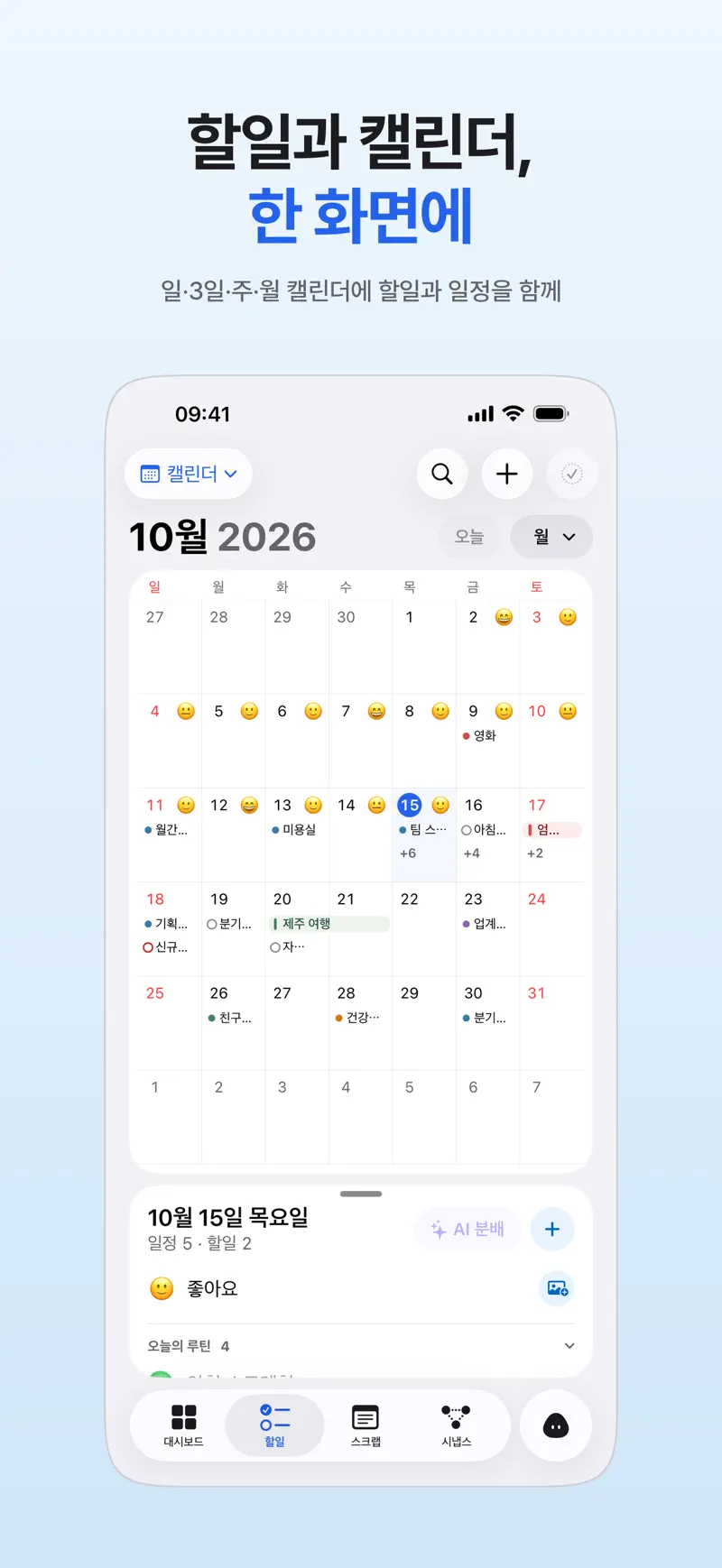
Try these in order
- Connect your calendar in Aria Tap Connect Calendar in Aria and allow calendar access. If you declined earlier, the button reads Allow Calendar Access and takes you to iPhone Settings.
- Check for Full Access In Settings, go to Privacy & Security, then Calendars, and make sure Aria has Full Access. With Add Events Only, Aria cannot read your existing events.
- Check the Calendar app first For Google Calendar events, go to Settings, Apps, Calendar, Calendar Accounts, and make sure that account's calendars are turned on. An event has to show up in the iPhone Calendar app before it can show up in Aria.
- Check whether it is a subscribed calendar Events from subscribed (read-only) calendars, such as holidays, appear but cannot be moved or changed from Aria. Edit them in the Calendar app.
- Pick a default calendar If events Aria creates land in a calendar you do not want, choose the default calendar for new events in Aria's settings.
What if events do not show on another device?
Device calendar events are not moved to Aria's servers. They follow the calendar accounts connected to each device, so check the calendar account settings on that device too. Syncing of tasks and records is covered in Aria sync not working.
For the full calendar feature set, see Calendar and to-do app in one view.
Get Aria on the App Store
iPhone · iPad · Mac · Apple Watch · iOS 26.0 or later · English · Korean