iPhone To-Do Reminders That Actually Ring, Even on Silent
Key answer Aria alerts you in stages as a due date approaches. For tasks you cannot miss, a must-ring alarm sounds like an alarm even in silent mode and Focus. You can also get location alerts when you arrive at or leave a place.
What are staged due-date alerts?
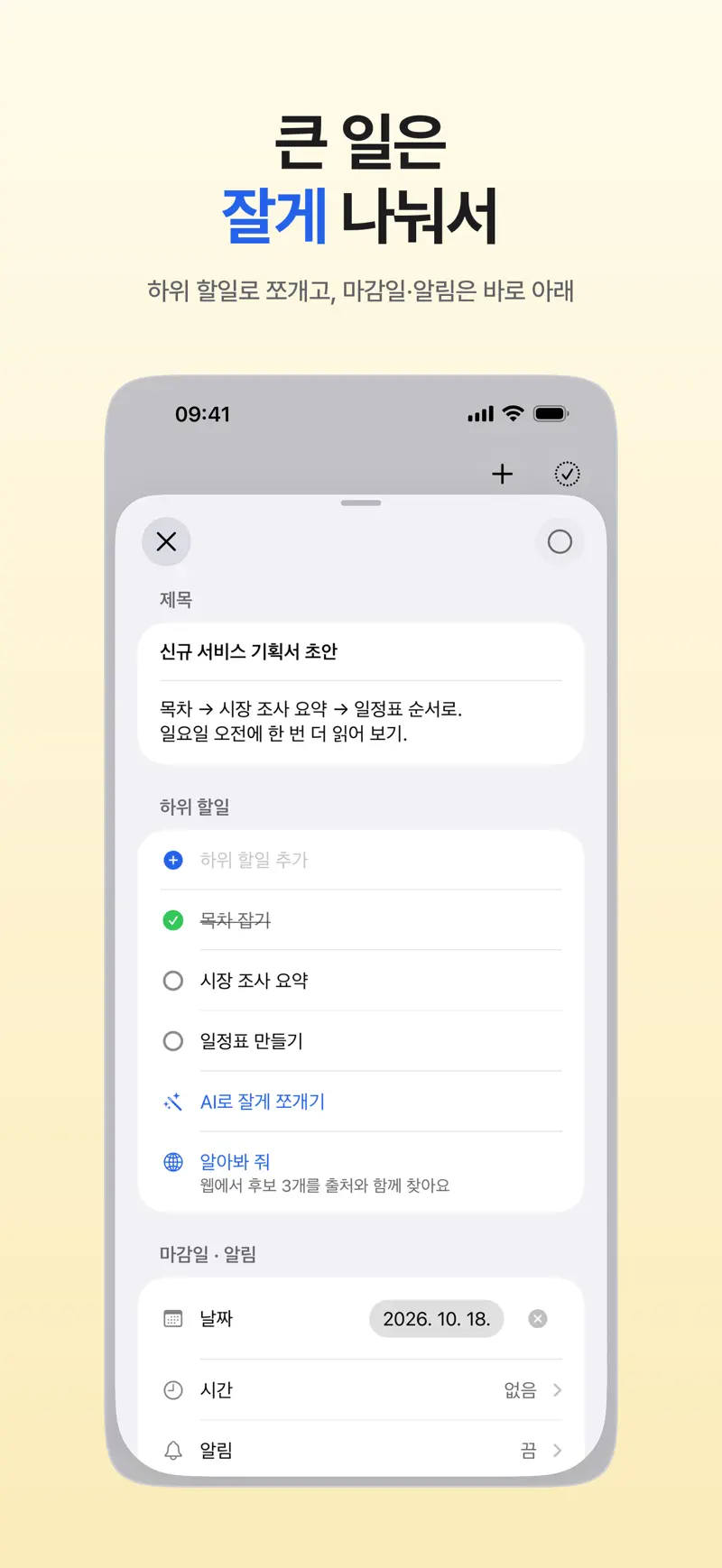
A task with a due date alerts you as the deadline gets closer. In the task screen, set the date, time and reminder under Due Date · Reminder.
How do I make a reminder ring in silent mode?
Set tasks you cannot miss as a must-ring alarm. It rings like an alarm even in silent mode and Focus, and you can snooze it for 10 minutes from the Lock Screen. The first time you use it, Aria asks for alarm permission, and if alarm permission is off, a regular notification rings instead. Free accounts get one must-ring alarm per task, and several alarms per task are part of Aria Pro.
How do I pick the alarm time?
Slide the ruler to choose the date and time in one go. You can also just tell the chat, “Set an alarm that really rings.”
Can it alert me when I arrive somewhere?
Yes. Give a task a place and Aria alerts you when you arrive or leave. The first time you turn on “On arrival,” Aria asks for location permission, so allow it.
Where do I see the time left on a timer?
The time left on a timer you start from Start Today shows on the Lock Screen and in the Dynamic Island.
What if no notification comes?
Check your iPhone settings in order: notification permission, Focus modes and Scheduled Summary. The steps are in Aria notifications not working: how to fix them.
iPhone · iPad · Mac · iOS 26.0 or later · English · Korean