How to Add a To-Do Widget to Your iPhone Home Screen and Lock Screen
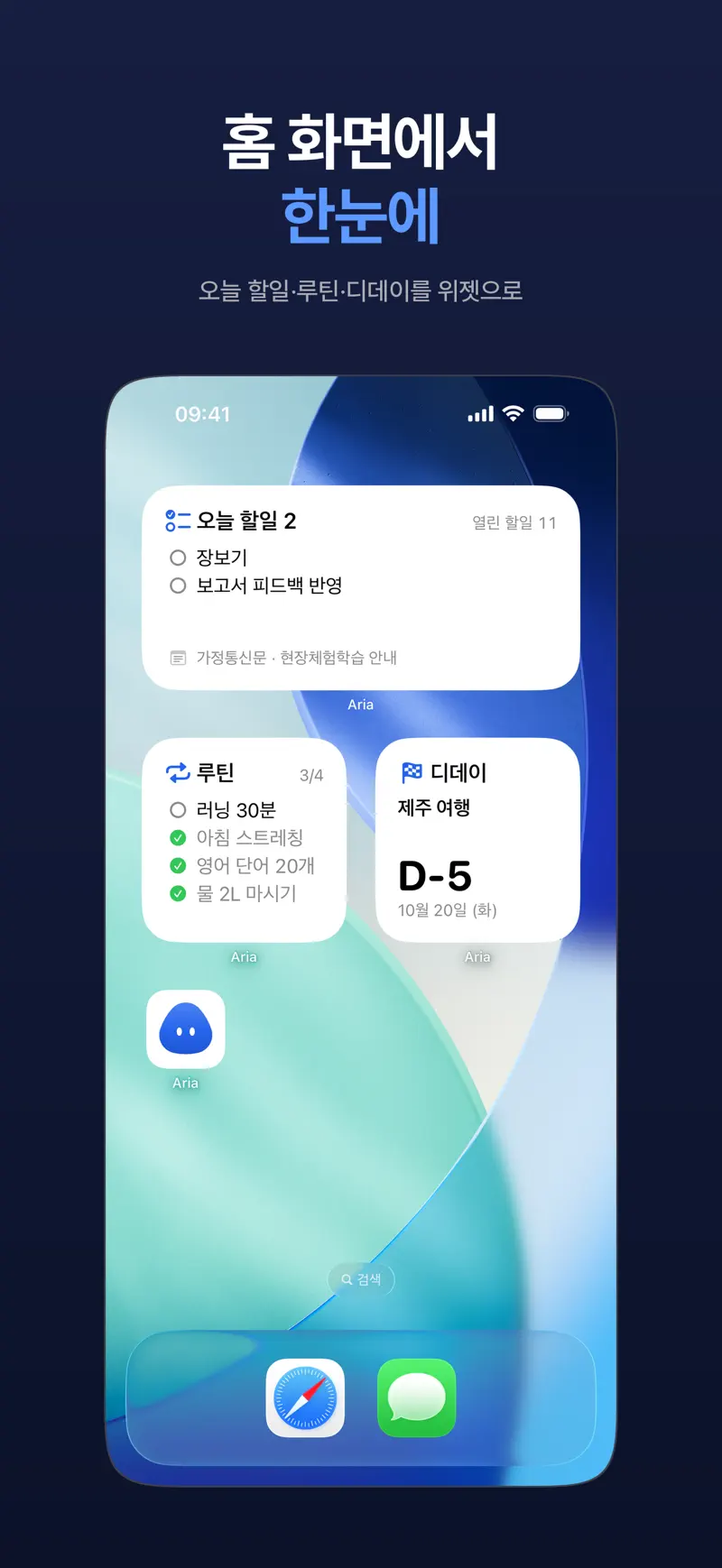
Key answer Touch and hold an empty spot on the Home Screen, tap Edit, then Add Widget, find Aria and choose a size to place a task widget. Aria has Today tasks, Routine, D-day and monthly calendar widgets, and you can finish a task or check off a routine right from the widget.
Try these in order
- Touch and hold the Home Screen Touch and hold an empty spot until the app icons jiggle.
- Open Add Widget Tap Edit at the top left, then Add Widget.
- Choose Aria Find Aria in the list, pick a widget type and size, and tap Add Widget.
- Place it Move it where you want it, then tap Done.
How do I put one on the Lock Screen?
Touch and hold the Lock Screen, tap Customize, choose the Lock Screen, then tap the widget area and add an Aria widget.
Which widgets are there?
- Today tasks: see today's tasks and deadlines at a glance and finish them right from the widget.
- Routine: check off today's routines from the widget.
- D-day: shows days left until an upcoming date.
- Monthly calendar: see the month's events on your Home Screen.
On Mac, Today's tasks and deadlines appear in desktop and Notification Center widgets.
What if Aria is not in the widget list?
If you installed Aria but never opened it, it may not show up in the widget list right away. Open Aria once and look again.
Get Aria on the App Store
iPhone · iPad · Mac · Apple Watch · iOS 26.0 or later · English · Korean