How to Add Events from a Photo, Screenshot or PDF
Key answer Share a photo, screenshot or PDF with Aria and it finds the dates inside and suggests events and reminders. Tap Add All to save them in one go. Sorting attached photos is free to use.
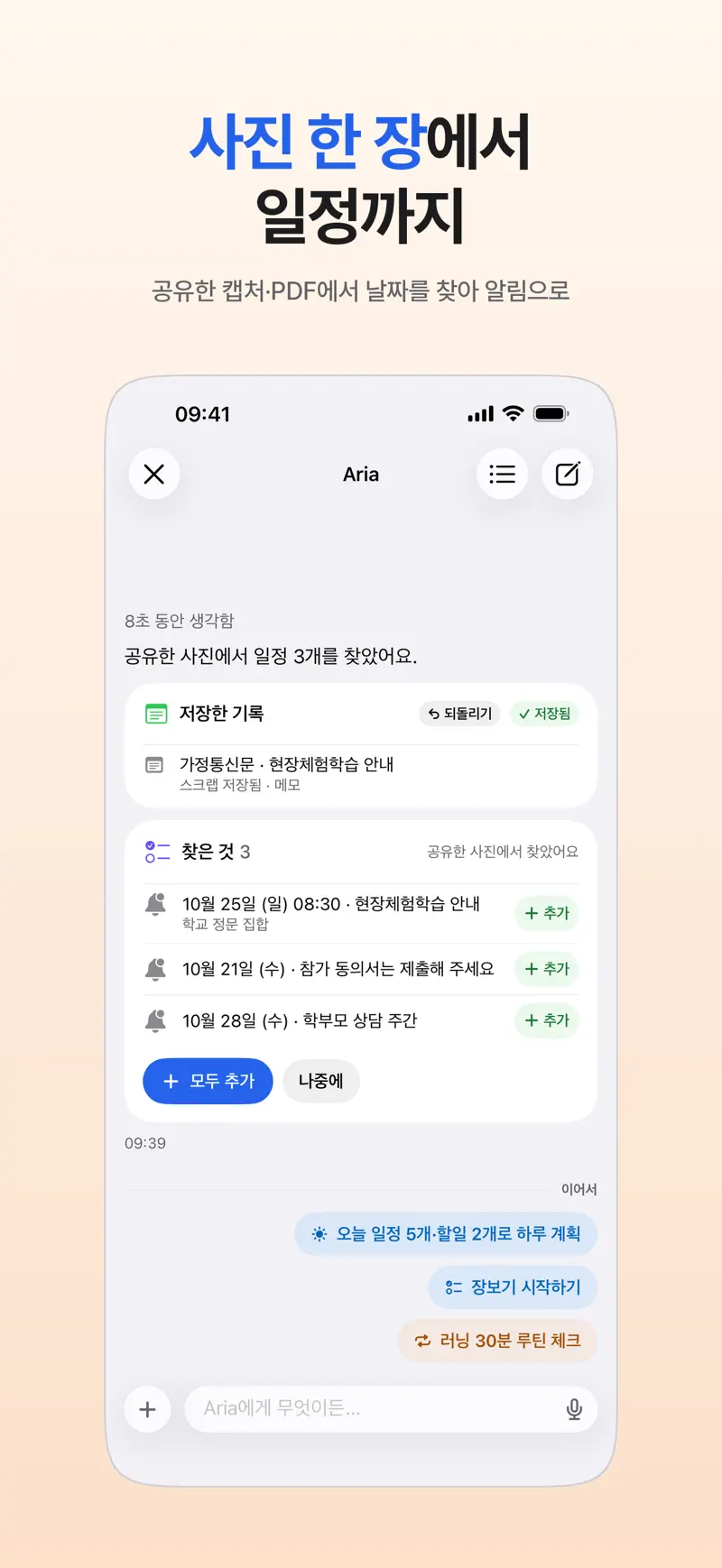
How does it work?
- Share or attach Tap Share in Photos or another app and choose Aria, or attach a photo or file in the Aria chat.
- Check the dates found Aria shows the dates it found as suggested events and tasks.
- Add them Tap Add All, or add only the ones you need one by one.
What works well?
- Photos of notices from school, an activity class or work
- Screenshots of booking confirmation texts or announcements
- PDFs with an event schedule
What should I know?
The AI has to read the photo or file to find dates, so that content is sent to the AI provider you agreed to. Check that each date and time is right before you add it. Details are in the Generative AI Notice.
Get Aria on the App Store
iPhone · iPad · Mac · iOS 26.0 or later · English · Korean