How to Add Google Calendar to iPhone (and Fix It When It Won’t Sync)
Key answer Go to Settings, Apps, Calendar, Calendar Accounts, Add Account, Google, sign in, and turn on Calendars. Your Google events then show in the built-in Calendar app, and other apps that read the device calendar (such as Aria) see them too. If only some calendars are missing, first check that they are ticked in the Calendar app’s calendar list.
How do I add a Google account to my iPhone?
- Open Calendar settings In the iPhone Settings app, tap Apps, then Calendar.
- Add an account Tap Calendar Accounts, then Add Account, then Google.
- Sign in to Google Enter your Google email and password, and follow the on-screen prompts (such as 2-step verification).
- Turn on Calendars Under what to sync, turn on Calendars. You can turn off Mail and Contacts if you do not need them.
- Check in the Calendar app In the Calendar app, tap Calendars at the bottom and make sure the calendars under your Google account are ticked.
If you already added your Google account for Gmail, do not add it again. Tap that Google account under Calendar Accounts and just turn on Calendars. These menu paths follow iOS 26 and later.
What if only some calendars are missing?
- The calendar list in the Calendar app — Tap Calendars at the bottom and look for a check mark beside the calendar. Unchecked calendars are hidden.
- A calendar someone shared with you — On the Google Calendar website, first confirm that calendar was added to your “My calendars” list.
- A new Google calendar created on the iPhone — According to Google’s help, you cannot create a new Google calendar from Apple Calendar. Create it on the Google Calendar website.
Should I use the Google Calendar app or the built-in Calendar?
| What you want to do | Built-in Calendar (Google account added) | Google Calendar app |
|---|---|---|
| See and create Google events | Yes | Yes |
| One view with iCloud and work calendars | Yes | The App Store description says you can view it side by side with other calendars on the device |
| Other planner apps read the same events | Yes (apps that read the device calendar) | Events stay inside the app |
| Create a new Google calendar | No | Create it on the Google Calendar website |
| Email notifications for events | No | Follow Google’s settings |
| Tasks | Separate from Reminders | Create and manage tasks inside Calendar |
If you want several apps to show the same events, connecting your Google account to the built-in Calendar is the better route. Keep the Google Calendar app installed for Google-only features.
How do I see Google events in another planner app?
Apps that read the device calendar see the Google events you connected above. In Aria, tap Connect Calendar and allow access, then in the iPhone Settings app go to Privacy & Security, Calendars, and make sure Aria has Full Access. With “Add Events Only,” Aria cannot read existing events. To put events the AI creates into your Google calendar, choose that Google calendar as the Default Calendar in Aria settings.
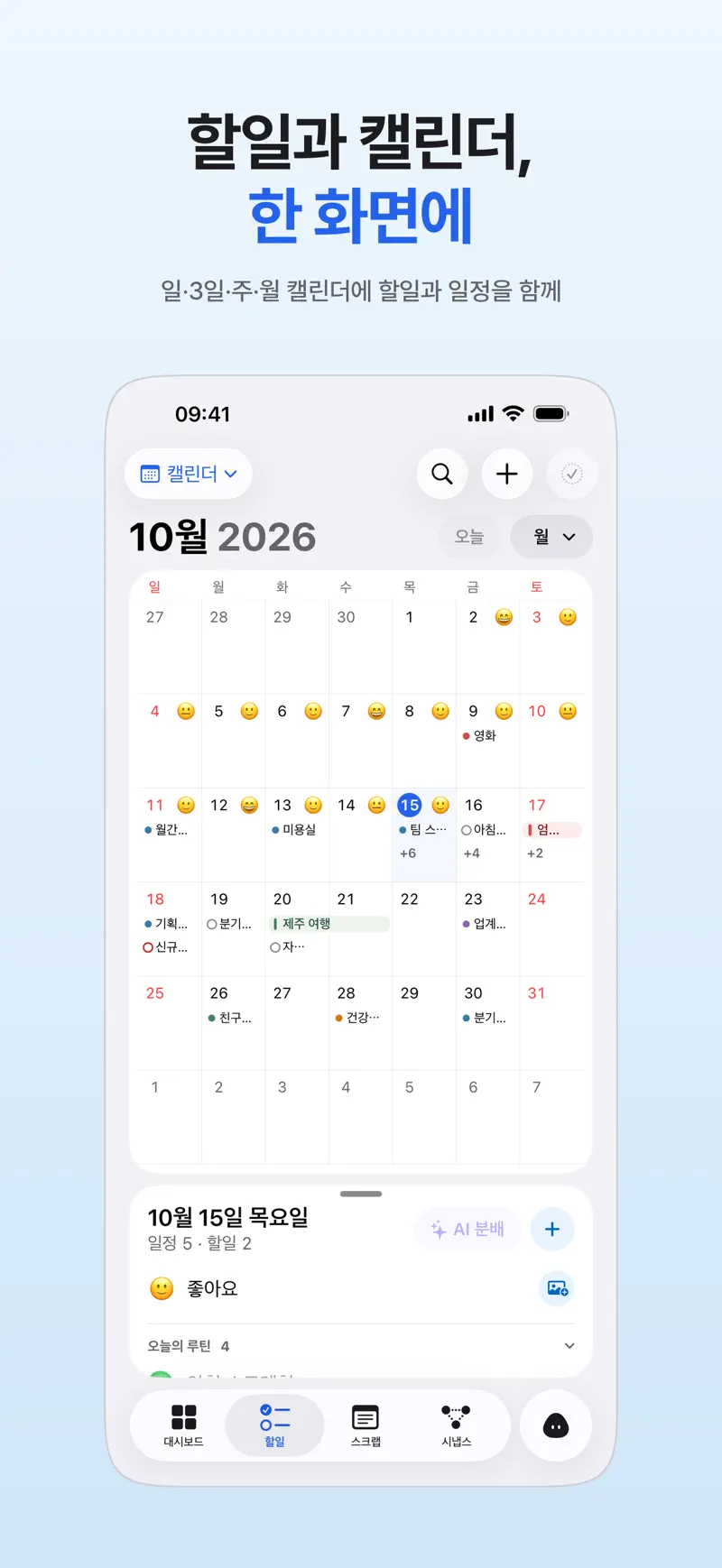
If events are missing on the Aria side, follow iPhone calendar events not showing up in Aria.
How do I see Google events in a widget?
Touch and hold an empty spot on the Home Screen, tap Edit, then Add Widget, and choose the Calendar or Google Calendar widget. The built-in Calendar widget shows connected Google events as well. If you use Aria, the monthly calendar widget puts the whole month on your Home Screen (calendar planner app).
What if it still doesn’t sync?
| Symptom | Where the problem is | What to try |
|---|---|---|
| No Google events even in the built-in Calendar | iPhone account settings | Settings, Apps, Calendar, Calendar Accounts, your Google account: check that Calendars is on. |
| Only some calendars are missing | Calendar list | Check the ticks under Calendars in the Calendar app and your “My calendars” list on Google’s website. |
| Adding the account fails | Sign-in or network | Check your internet connection and password, then remove the account and add it again. |
| Events show in Calendar but not in another app | That app’s permission | Settings, Privacy & Security, Calendars: check the app has Full Access. |
| A new event appears late | Sync timing | In the Calendar app’s Calendars screen, pull down to refresh and wait a moment. |
If your Aria tasks and notes do not match across devices, that is separate from calendars. See Aria not syncing across iPhone, iPad and Mac.
FAQ
Why can’t my iPhone connect to my calendar account?
It is usually a sign-in or network problem. Check your internet connection and password again, and if you use 2-step verification, follow the prompts all the way through. Google’s help says that on devices that are not on the latest operating system, 2-step verification needs an app password. If it still fails, remove the account and add it again.
How do I add a Google Calendar widget on iPhone?
Touch and hold an empty spot on the Home Screen, tap Edit, then Add Widget, pick Calendar (the built-in app) or Google Calendar, and choose a size. The built-in Calendar widget also shows connected Google events.
Can I sync iPhone Reminders with Google Calendar?
Reminders sync between Apple devices through iCloud and do not flow straight into Google Calendar. Google’s to-dos are managed separately in the Google Calendar app’s tasks or in Google Tasks.
iPhone · iPad · Mac · iOS 26.0 or later · English · Korean