Eisenhower Matrix Explained: Urgent vs. Important, with 16 Examples and App Setup
Key answer The Eisenhower matrix sorts tasks with two questions, is it urgent and is it important, into four boxes: do now, schedule, reduce or delegate, and delete. The easiest box to neglect is important but not urgent, so put those tasks on your calendar first.
What is the Eisenhower matrix?
It is a prioritization grid named after U.S. President Dwight D. Eisenhower. Put urgency on one axis and importance on the other and you get four boxes.
- Box 1: urgent and important: do it now.
- Box 2: important but not urgent: set a date and time.
- Box 3: urgent but not important: reduce or delegate.
- Box 4: neither urgent nor important: delete.
Drawing the grid takes five minutes. The value comes from deciding what to do in each box.
How do I tell urgent from important?
- Urgent? If you do not do it today or tomorrow, will you miss a deadline or leave someone waiting?
- Important? If you skip it, will it make a difference to your work, studies or family goals a month from now?
- Not sure? Put it in box 2. If it looks urgent but is someone else's request, double-check whether it belongs in box 3.
What do I do in each box?
| Box | Kind of task | What to do | Common mistake |
|---|---|---|---|
| 1 Urgent and important | Deadlines, problems that just appeared | First thing today | Spending the whole day only here |
| 2 Important, not urgent | Skills, preparation, relationships | Block time on the calendar | Putting it off until it becomes box 1 |
| 3 Urgent, not important | Other people's requests, small chores | Batch them short, delegate or reduce | Treating them like box 1 because they feel urgent |
| 4 Neither | Habitual checking, lingering attachments | Delete or move to Someday | Leaving them on the list forever |
What do examples look like for work and school?
| Box | Office worker | Student |
|---|---|---|
| 1 Urgent and important | Revise the quote due at 6 p.m. today · Handle a customer payment error | Finish the report due tomorrow · Submit the scholarship form due today |
| 2 Important, not urgent | Gather material for the quarterly report early · Learn spreadsheet functions | Review the exam material once for next month · Tidy up your portfolio |
| 3 Urgent, not important | A sudden meeting where you only need to attend · Reply to a material request in the group chat | Scheduling in a group-project chat · Checking club dues |
| 4 Neither | Rewatching news at work · Decorating a report template you never use | Re-decorating notes you already organized · Sorting a list of lectures you will not watch |
How do I move it into a to-do app?
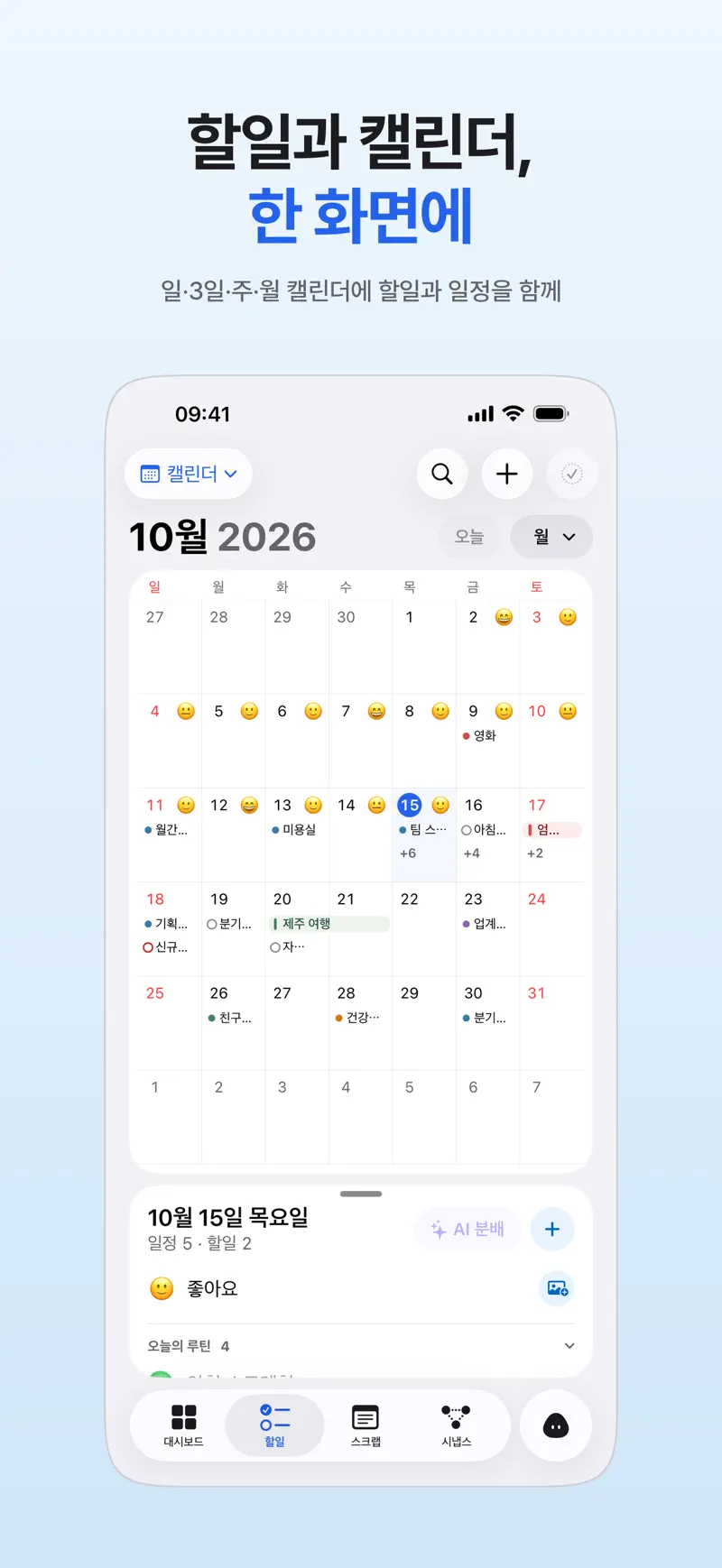
If the four boxes stay on paper, you redraw them the next day. Move them into a to-do app's lists, alerts and calendar and each box turns directly into action.
| Box | In a typical to-do app | In Aria |
|---|---|---|
| 1 Urgent and important | Today as the date, plus a time alert | Today list · the must-ring alarm if you cannot afford to miss it |
| 2 Important, not urgent | Pick a date and block time on the calendar | Upcoming list, then drag onto the calendar timetable |
| 3 Urgent, not important | Group with the same tag or list and do them at once | Group by category into one 30-minute block |
| 4 Neither | Delete, or a Someday list | Send to Someday or delete |
Set up this way, your Today list each morning plays the role of box 1 and this week's calendar blocks play box 2. Once a week, skim your Someday list and empty box 4 so the list stays light. How to place blocks is in Time blocking method, and alarms that ring on silent are in iPhone to-do alerts that you will not miss.
FAQ
Do I need a spreadsheet or Notion template?
A cross drawn on paper is enough the first couple of times. Templates make the boxes look neat, but if you do not move the sorted tasks into dates and reminders, the list tends to stay on the page. If you already use a to-do app, moving things straight into its lists and calendar, as in the table above, is less work.
What if everything is urgent and important?
If more than five tasks landed in box 1, your standard is too loose. Write one line for each: what actually happens if I do not do this today? Move the ones with weak answers down to box 2 or 3.
What if I have nobody to delegate to in box 3?
If you work alone or are a student, read delegate as reduce. Answer messages twice a day in a batch, ask for the agenda before a meeting, and ask when a request is really due to cut the time you spend.
iPhone · iPad · Mac · Apple Watch · iOS 26.0 or later · English · Korean