Time Blocking: Split Your Day into Blocks in 5 Steps, with Examples
Key answer Time blocking moves your to-do list onto the calendar as chunks of time, so you decide when as well as what. Place fixed events first, give your most important work your best focus block, batch messages and email into one block, and leave gaps between blocks.
What is time blocking?
With only a to-do list, urgent requests tend to drag your day around. When you turn tasks into calendar blocks, you can see how much really fits today, and you can send the overflow to another day in the morning. The rule is one kind of work per block.
How is it different from timeboxing and Pomodoro?
| Method | What it sets | Unit | Best for |
|---|---|---|---|
| Time blocking | What you do when in the day | 30 min to 2 hour blocks | Planning the whole day |
| Timeboxing | A time cap for one task | A set time per task | Open-ended work like research or editing |
| Pomodoro | The rhythm of focus and rest | 25 min focus + 5 min rest | Staying focused inside a block |
For example, run Pomodoro inside a two-hour morning block, and treat the end of the block as the timebox deadline for that task. That uses all three at once.
How do I build a day of blocks in 5 steps?
- Place fixed events first Put things you can’t move, such as meetings, classes and your commute, on the calendar first. The empty space left is the time you actually have today.
- Pick one to three must-finish tasks Don’t take the whole list. Choose only what would cause trouble if skipped today. See How to prioritize tasks for how to choose.
- Give them your focus blocks first Give those tasks a 60-120 minute block in the part of the day when your head is clearest. That differs by person, and may be morning or evening.
- Batch the small stuff into one block Short jobs like replying to email and messages, approvals and orders go into one or two 30-minute blocks.
- Leave room between blocks Leave 10-15 minutes between blocks and about 30 minutes in the day unscheduled, so you can reshuffle if things run over.
What does a day look like for a worker or a student?
| Time | Office worker (one meeting) | College student (two classes) |
|---|---|---|
| 9:00-11:00 | Focus: draft the proposal | Class (fixed) |
| 11:00-11:30 | Batch email and messages | Free period: find sources for an assignment |
| 11:30-12:30 | Team meeting (fixed) | Lunch |
| 1:30-3:00 | Handle follow-ups from the meeting | Class (fixed) |
| 3:00-3:15 | Buffer | Buffer |
| 3:15-5:00 | Focus: clean up the data | Library: write two pages of the paper |
| 5:00-5:30 | Set up tomorrow’s blocks | Prep for tomorrow’s class |
What if my blocks keep falling apart?
- The task in the block is too big — Rename the block to a first action, like “Write proposal outline” instead of “Proposal.”
- Interruptions keep coming — Reserve an empty afternoon block in advance for interruptions.
- The block ended but the work didn’t — Move it to the next open block right then, and send leftover blocks to tomorrow at the end of the day.
- The day is packed with blocks — Two or three focus blocks a day is enough. Leaving the rest open lasts longer.
How do I do it in an app?
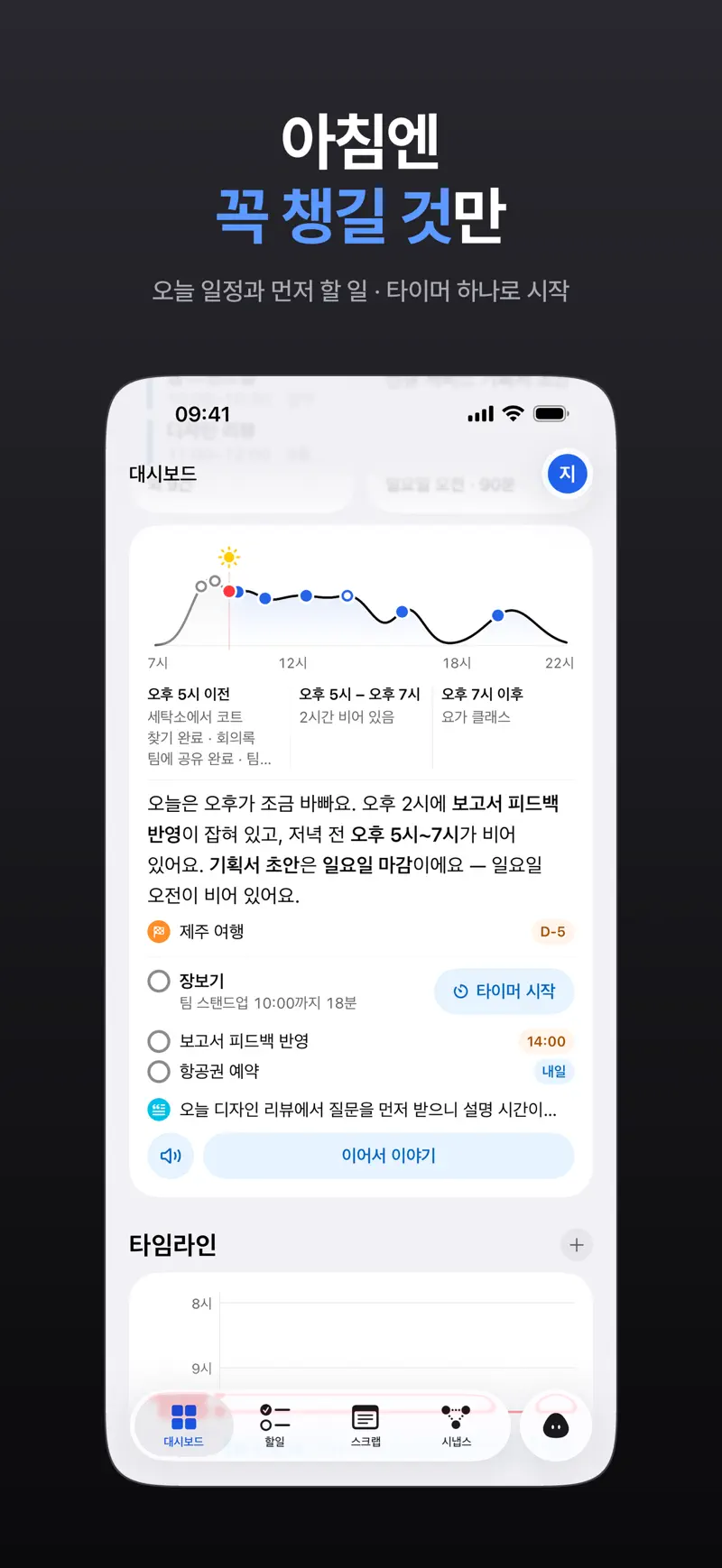
In Aria, drag tasks onto the time grid in the day, 3-day or week view and that time is reserved. After you tap Connect Calendar, the work or school events in your device calendars appear too, so you can place blocks right on top of your fixed events. Views and setup are in Calendar planner app.
When you are ready to start a block, Start Timer on a task in What to do first opens it and shows the time left on your Lock Screen.
FAQ
How many minutes should a block be?
Thirty-minute units are easiest to handle at first. Give focused work one 60-120 minute block, and batch several short tasks into a 30-minute block. Slicing into 15-minute units can cost more time in planning.
Does it work on days full of meetings?
Yes. Place the meetings as fixed blocks first, and protect just one or two gaps of 30 minutes or more between them as focus blocks. Leave the 10 minutes right after a meeting as a “write down follow-ups” block so you don’t lose them.
Can I do it on a paper planner?
Yes. Shade blocks with a highlighter in a planner with vertical time slots and you get the same effect. But if work events change, you have to rewrite them, so a calendar app is easier if your schedule shifts often.
iPhone · iPad · Mac · iOS 26.0 or later · English · Korean