How to Plan Exam Study: A Study Planner App Guide to Exam Day
Key answer Plan exam study by working backward from exam day, then keep a daily routine and a weekly check to re-split anything you fall behind on. Dedicated apps are strong at tracking study hours, while a to-do app is handy for tying together tasks, countdowns and review reminders.
This guide was written by LIPSON, the maker of Aria.
How do I divide the days until the exam?
Fix the exam date first and work backward. With eight weeks left, you could split it like this.
| When | Goal | What to do |
|---|---|---|
| D-56 to D-36 (weeks 1-3) | First pass | One unit a day · mark what you don’t know |
| D-35 to D-22 (weeks 4-5) | Second pass and practice questions | Revisit marked parts · practice questions by unit |
| D-21 to D-8 (weeks 6-7) | Fix weak spots · mock exams | Two mock exams a week · review mistakes |
| D-7 to D-1 (week 8) | Wrap-up | Only your mistake notes and summaries · practice at the real exam time |
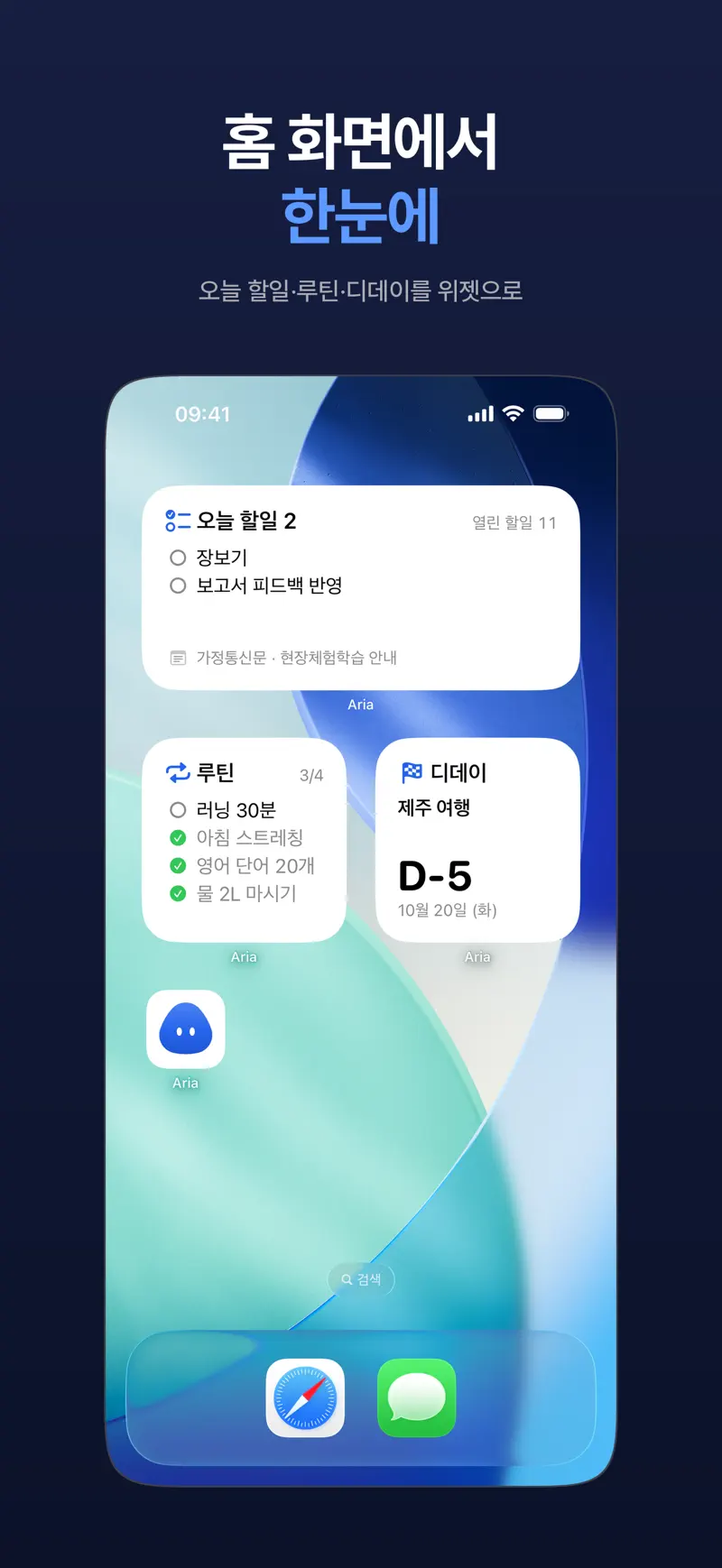
In Aria, turn the exam date into a D-day and the days left show on the dashboard and in Home Screen and Lock Screen widgets. For how to place widgets, see How to add a to-do widget to your iPhone.
How do I write the daily study list?
Write by amount, not by time. “Unit 2 concepts plus 20 practice questions” is easier to judge as done than “study 3 hours.” Three to five lines a day is plenty.
- Read unit 2 concepts (pp. 40-58)
- 20 practice questions from unit 2
- Redo yesterday’s wrong answers
- Review unit 1 (day 3)
How do I keep a study routine going?
Starting at the same time in the same place is the biggest help. In Aria you can turn steps like “tidy desk 3 min, check today’s list 2 min, first subject 50 min” into a routine and set an Estimate for each step. Then Follow Along guides you through each step with a timer and a streak builds up. For a single task, tap Start Timer and the time left shows on your Lock Screen. For focus rhythms, see the Pomodoro Technique.
How do I set up review reminders?
Many people review the next day, after 3 days and after 7 days. It is not a rule, so adjust it to the subject.
| Review | When | In the app |
|---|---|---|
| 1st | Next day (Oct 18) | A task with a date |
| 2nd | 3 days later (Oct 20) | A task with a date |
| 3rd | 7 days later (Oct 24) | A task with a date |
| Weekly mistake review | Every Sunday | Repeating task |
In the Aria chat you can say, “Add unit 2 reviews on the 18th, 20th and 24th,” and it splits that into suggested tasks that Add All saves in one go. For things that repeat on the same weekday, use a repeating task.
How do I re-split material I’ve fallen behind on?
- On Sunday, compare this week’s plan with what really happened. Aria’s weekly briefing looks back at the week’s completions and routines.
- Spread the backlog across the weeks left, but don’t cram it into one week.
- If you slip two weeks in a row, cut the daily amount or lower your target number of passes.
- Each evening, move what you didn’t finish with Reschedule All so tomorrow morning starts with a clean list.
To re-plan week by week, see Weekly planning.
How do I use it with a study-hours tracker?
Aria has no study-hours tracking, study-time rankings or study groups. If you want to log hours, measure them in a study timer app and keep what to study and when (daily list, review dates, D-day) in Aria, so the two don’t overlap.
FAQ
What makes a good study planner app?
It depends on what you need. If logging hours and rankings keep you motivated, a study-time tracker fits. If not missing material, review dates and the exam countdown comes first, a to-do app fits. You can use both.
What if my study plan keeps slipping?
Your daily list is probably too long. Cut the daily amount to 70-80% of what you plan now, and keep one day a week just for catching up. If it still slips, lower your target number of passes.
How should I set review intervals?
The 1, 3 and 7 days in this guide are a common example. They vary by subject and time left, so try them for about two weeks and shorten the gaps for subjects you don’t remember well.
iPhone · iPad · Mac · iOS 26.0 or later · English · Korean